


How to Buy on Disneystore
About Disney
Disneystore.com is the official online store for Disney brand children's products in the US. Here you will find a huge selection of toys from all the brand's animated movies, vibrant clothing for adults and children, as well as home and decor items.
Let's look at how you can place an order in this store to your virtual address on your own.
How to Register on Disneystore.com
Open the store's homepage and click «Sign in or Sign up» in the upper right corner.

A window opens where we need to click «Join Us».
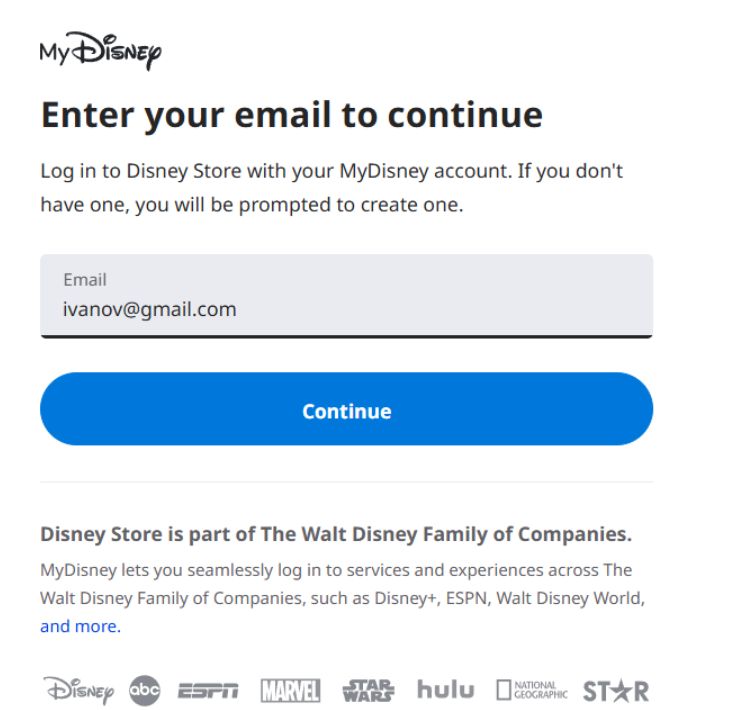
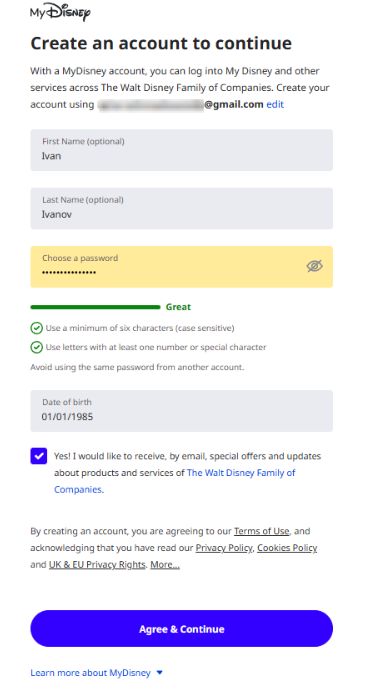
A registration form opens before us, which we need to fill out.
If you wish, you can subscribe to the store's promotional newsletter by checking the box next to I'd like to receive updates, special offers and other information from The Walt Disney Family of Companies.
Confirm the registration.
Selecting an Item
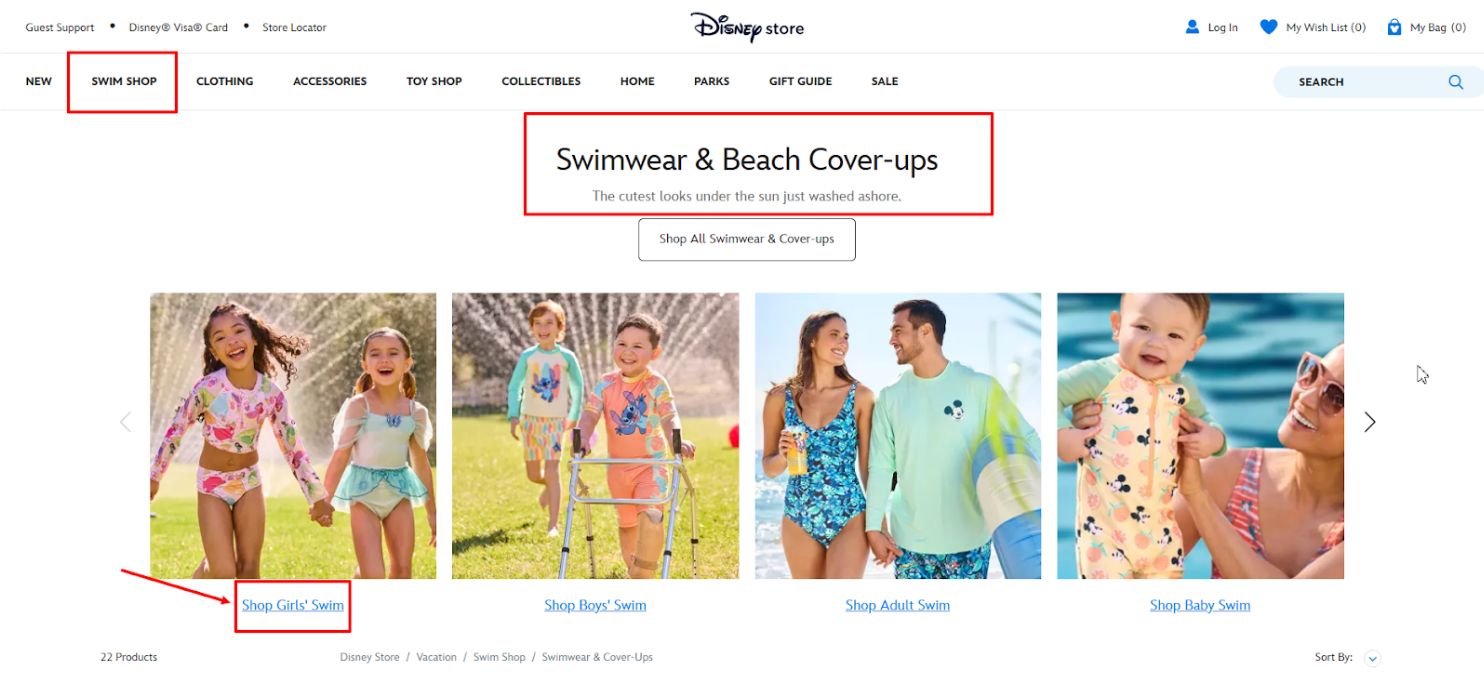
Now we proceed directly to choosing an item and placing the order. Return to the homepage and search for the item we need. Suppose we need to buy beach season clothes for a daughter. Select the «SWIM SHOP» section, within it «Swimwear & Beach Cover-ups», and the category line «Shop Girl’s Swim».
All currently available collections open before us. On the left, you can select additional filters by price, age, or the cartoon character that should be on the clothing. Alternatively, we can simply choose a set we like on the right.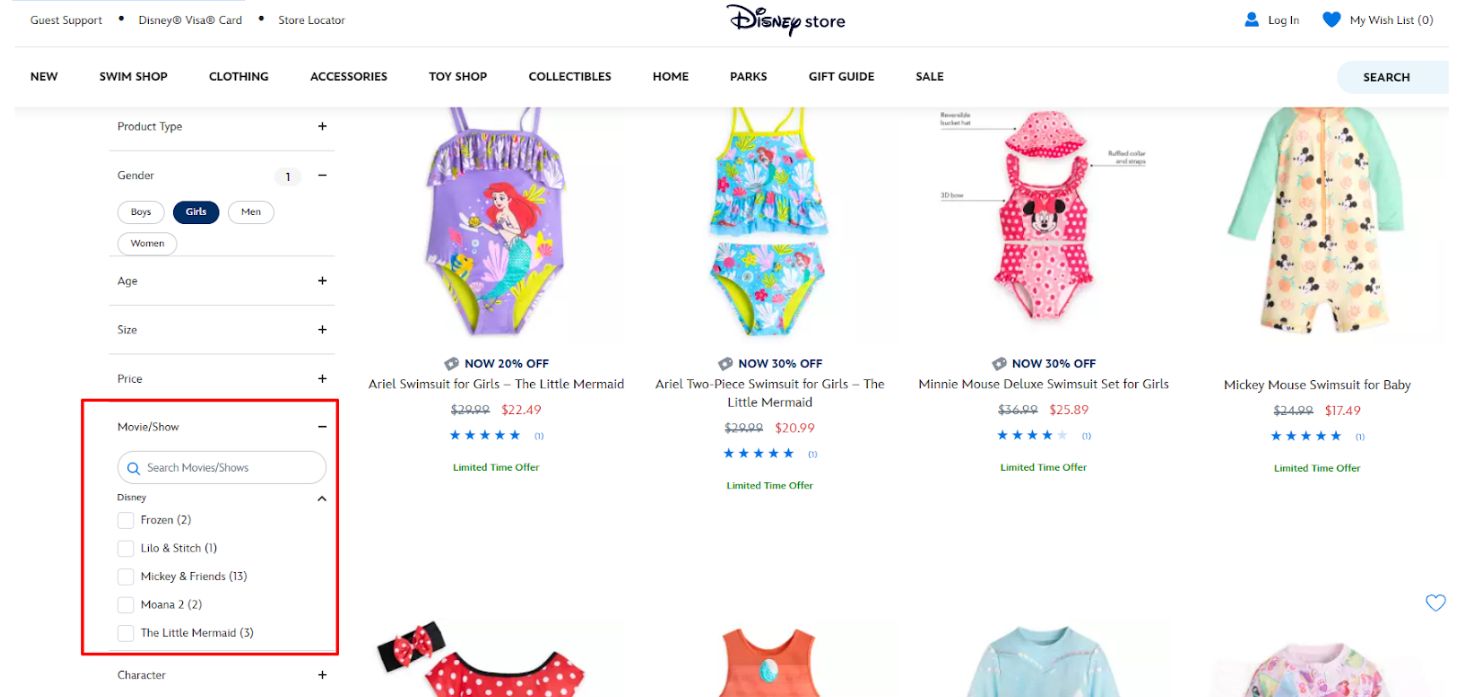
For example, we selected the following option.
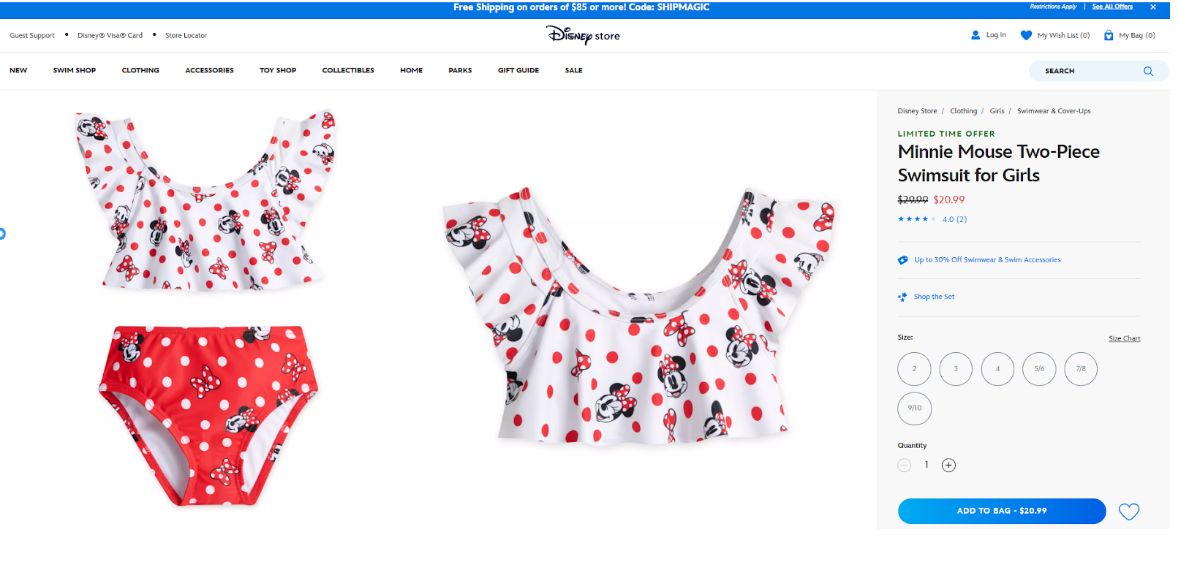
Here you can review customer feedback and, having selected the desired color and size, add the item to your cart by clicking «Add to bag». We added the swimsuit and towel to the cart. Please note that this store, like many other American and European stores, offers a personalization option. That is, for a small fee, you can order printing or embroidery of initials or a name on the product. Such items are manufactured and shipped slightly longer than the main assortment.
We have added all the items we need, and now we proceed to the cart by first clicking on the cart icon in the top right corner. In the window that opens, we see all our items and the preliminary total order cost. If you know a promo code, you can add it to the order in the Promo Code field. At the same time, in the same window, you can click on the link «View Current Promotions» and see which specific codes are currently active in the store. Moreover, the store allows you to combine codes if they are not mutually exclusive under the promotion terms.
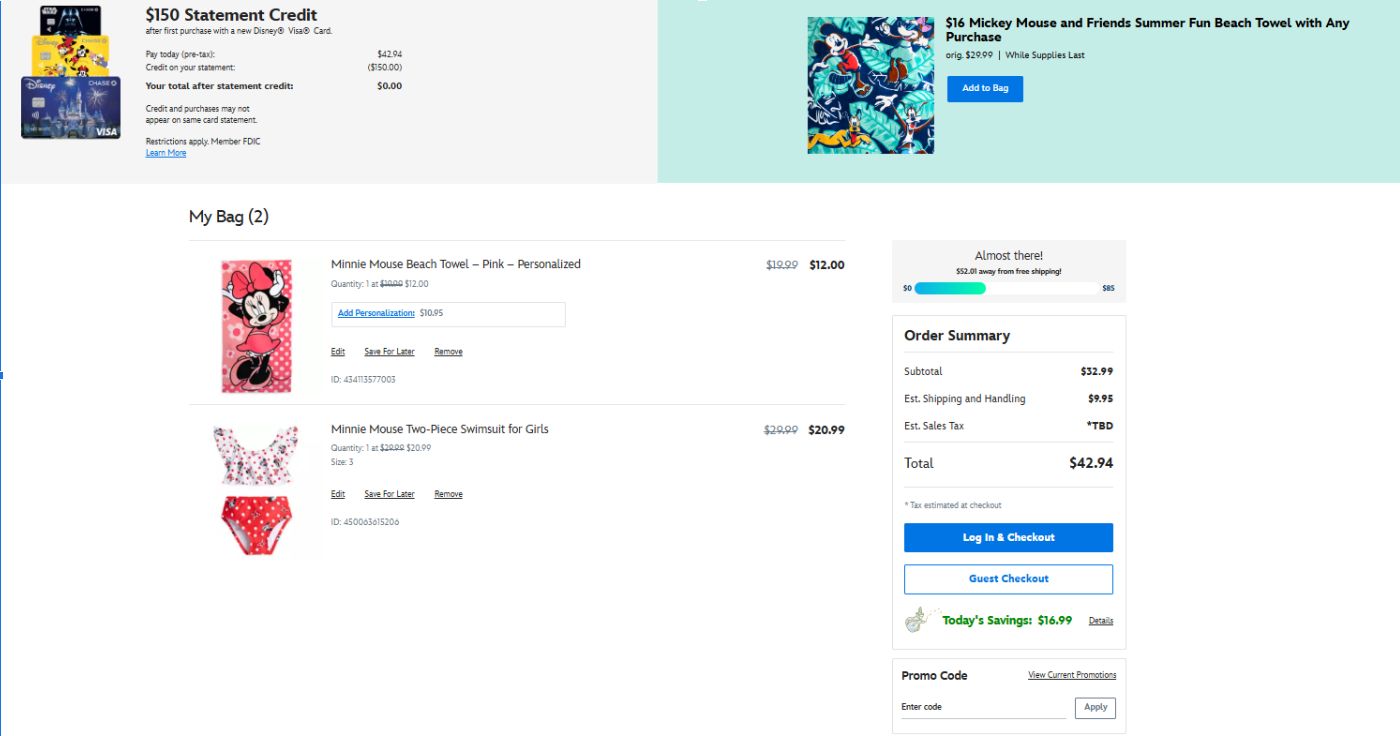
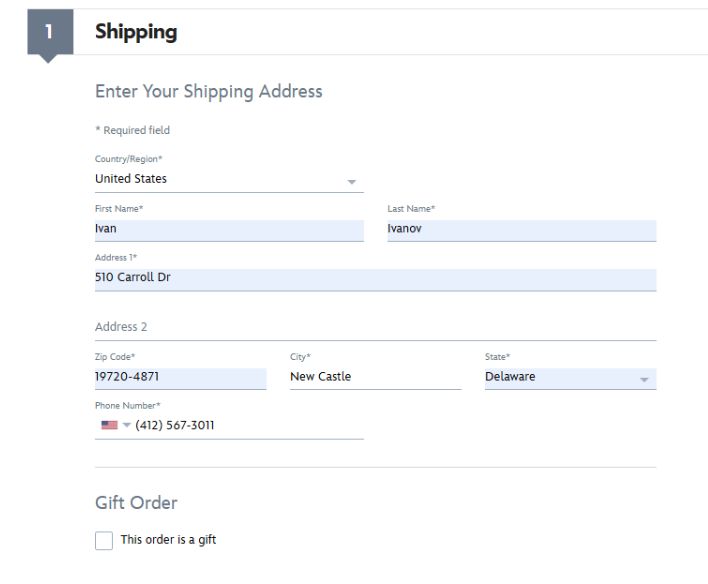
Check colors, quantities, and sizes, and proceed with further checkout by clicking «Begin Checkout». First of all, enter the delivery information. Here you need to enter the Shipping Address (your virtual address with us, which you can find in the section My US Address).
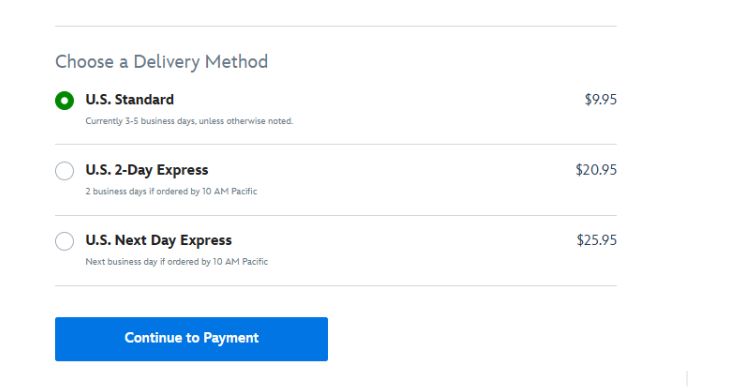
Select the shipping method. How quickly the order arrives at our warehouse will depend on it. Click the button «Continue to Payment»
The store may display a message stating that it cannot find your suite number in the postal address database. Because of this, it asks you to check if the entered data is correct. Don't worry and calmly click «Use Entered Address»
In the billing address field, you can also leave the details of your virtual address and enter your payment card details.
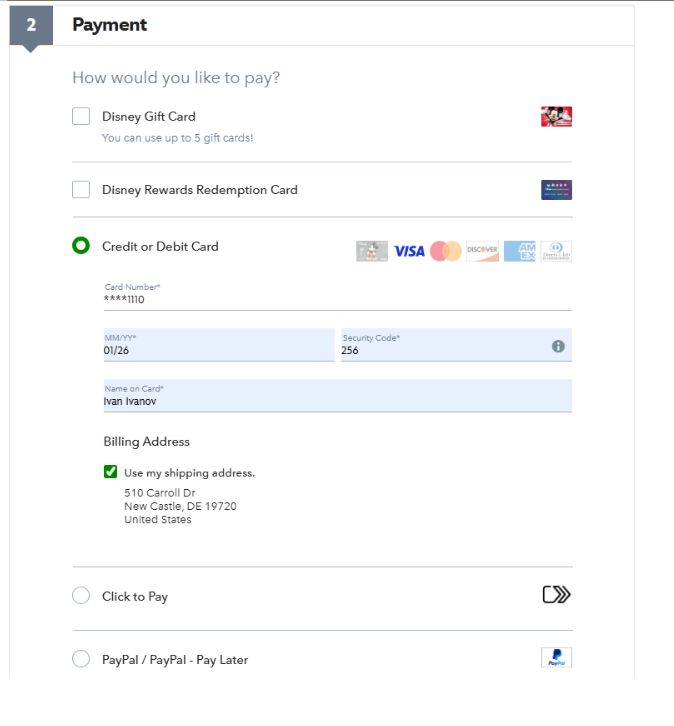
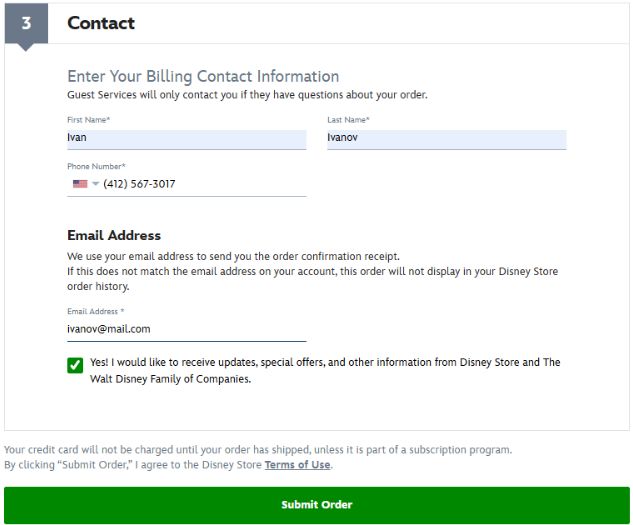
Later, the store may request verification of your payment details. In this case, you will need to write them an email using the template below to the customer support address guest.services@disneystore.com.
Email template indicating the actual billing address:
Attach a photo of your payment card to the email, with all digits covered except the last four.
Now we click «Review Your Order» and proceed to the final step. Check all the information in the order, and if everything is correct, click «Submit My Order»
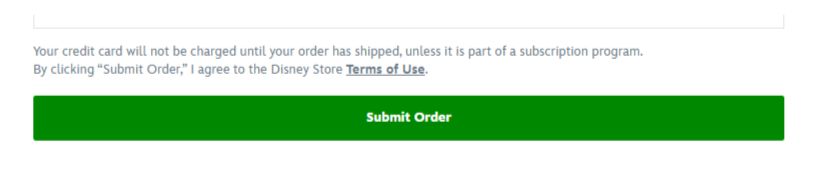
The order is placed. You should now receive an order confirmation message by email.


